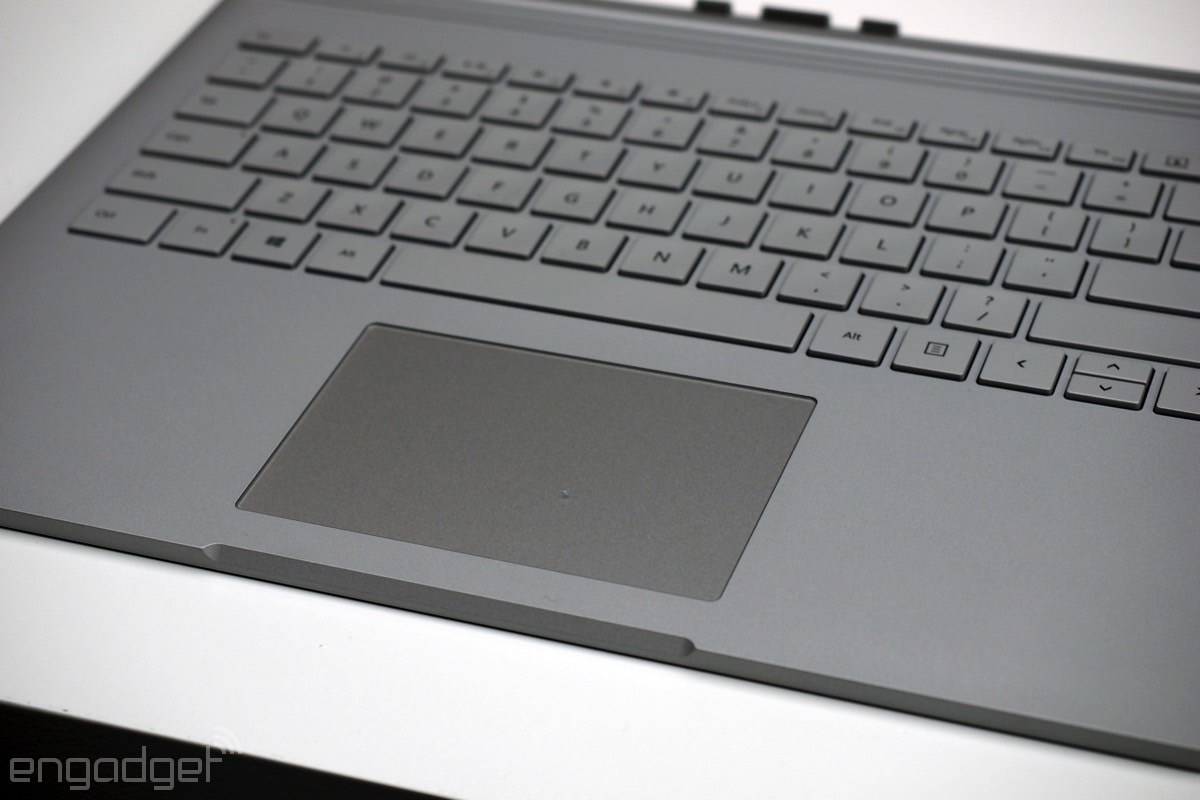
 You're probably wondering about the keyboard too. It's okay. In my quick demo, I didn't exactly make a lot of typos, but the buttons felt a tad sticky, meaning they didn't bounce back quite the way I would have expected, given how much travel they have. Only time (and a full review period) will tell if this is really what it's like to use the keyboard, and if it's something one can get used to. If you want my first impression, though, I felt myself typing a little more gingerly than I would have expected, considering how pillowy the buttons are and how sturdy the underlying metal frame is.
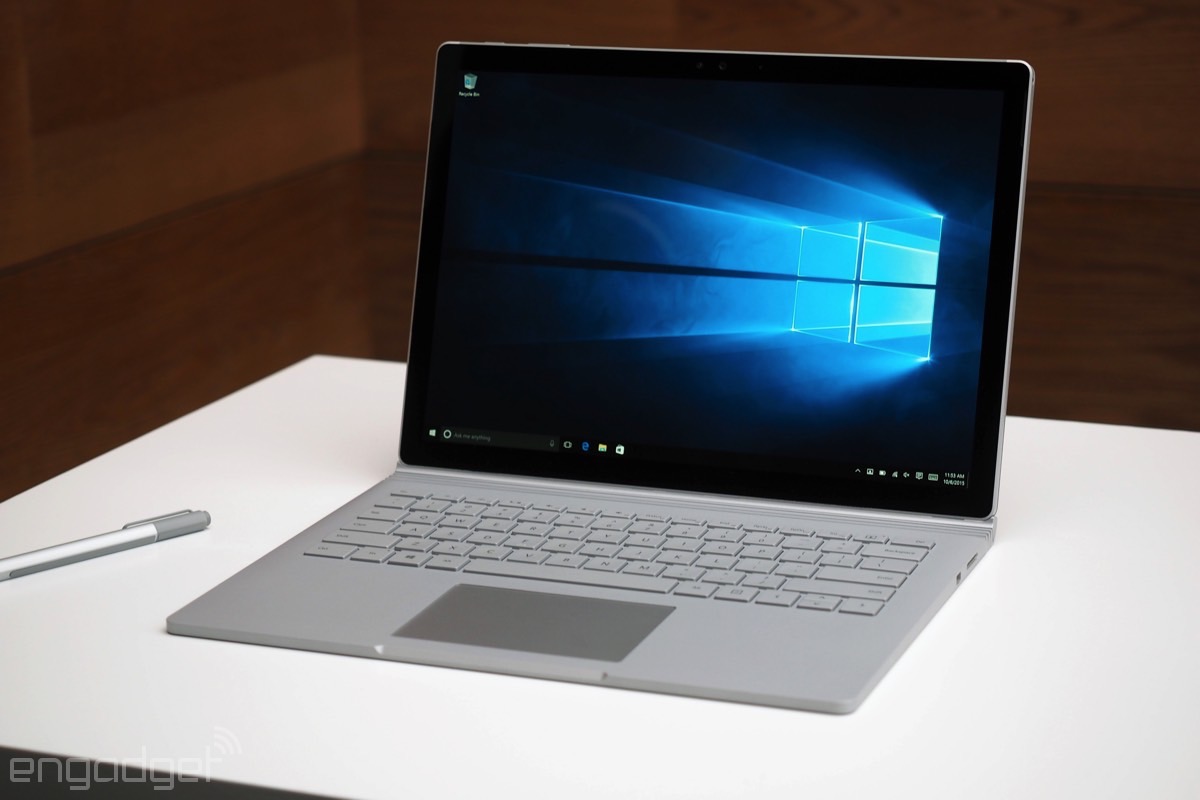
Like the Google Pixel, the Surface Book has an oddly sized display (13.5 inches in this case) with a 3:2 aspect ratio that makes it a little taller than you're probably used to. This was deliberate: In tablet mode, Microsoft wanted it to have the same "paper pad" shape as the Surface Pro 3 and new Surface Pro 4. The resolution is 3,000 x 2,000, amounting to an impressive 267 pixels per inch. It's as crisp and vibrant as you'd expect on a device that costs $1,500 to start and can double as a tablet.
Speaking of which -- and I can't tell if this defeats or confirms the mission of the Surface Book -- but I may have actually been more impressed with it in tablet mode. As relatively heavy as the laptop might seem in full clamshell mode, the screen itself weighs around 1.6 pounds. Now, you might think that after four and a half years with Engadget and countless gadget reviews, I'd be a little jaded to how thin and light devices can be. Even so, I couldn't help but feel impressed by what Microsoft has done here. This is a device that can accommodate up to 16GB of RAM and 512GB of storage. It's impressive when you consider all that computer is stuffed inside a device that's even lighter than the Surface Pro 3 was a year and a half ago.
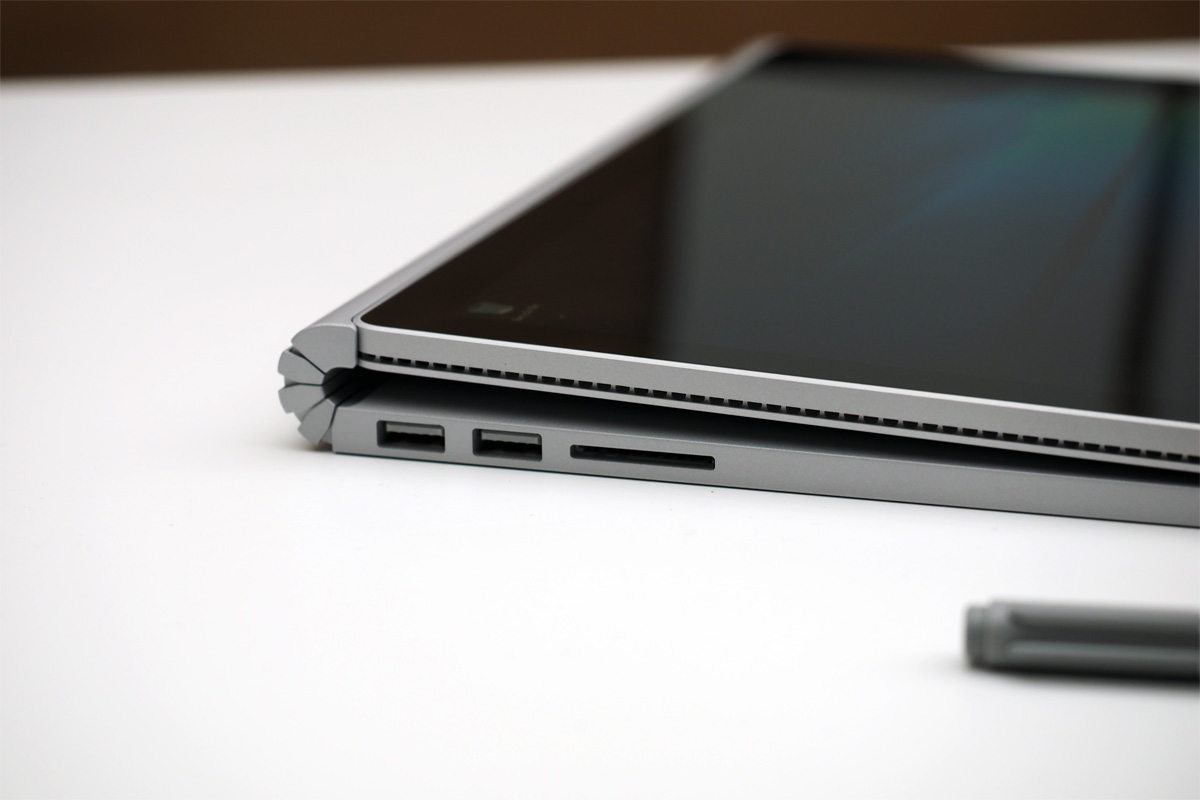
 Well, "most" of that computer, I should say: The tablet itself is home to the sixth-generation Core CPU and one of two batteries, while the optional NVIDIA GPU and secondary battery live inside the keyboard base. (Microsoft rates maximum battery life at 12 hours, which would be excellent for a laptop in this class.) I suppose I'd feel even more awed if Microsoft had literally squeezed the MacBook Pro's guts into a 0.3-inch-thick device. Still, this is one of those moments where even I, the seasoned gadget reviewer said to myself, "It's amazing what you can do with technology these days." It really is.
I did get to see the Surface Book in action, by the way. It was powering two 4K displays from its Mini DisplayPort and handling 3D models in the Siemens NX design app like a champ. This is, of course, the reason we revisit devices in full reviews: to put gadgets through their paces in real-world use. That said, what I saw today bodes very well.
The Surface Book is available for pre-order today starting at $1,499, with a sixth-gen Intel Core i5 processor, a 128GB solid-state drive and 8GB of RAM. The highest-end configuration -- one with a Core i7 CPU, 16GB of RAM, 512GB of storage and discrete graphics -- rings in at $2,699. Microsoft says it will ship later this month, on October 26th -- and you can bet we'll have a review. I already called dibs.
Get all the news from today's Microsoft event right here.
via Engadget engt.co